Make it yours.
Add headlines, simple shapes and your own images. Arrange your scene right on the canvas.

Turn text, images and shapes into short, scroll-stopping animations. Right in your browser. No heavyweight software. No unnecessary complexity.
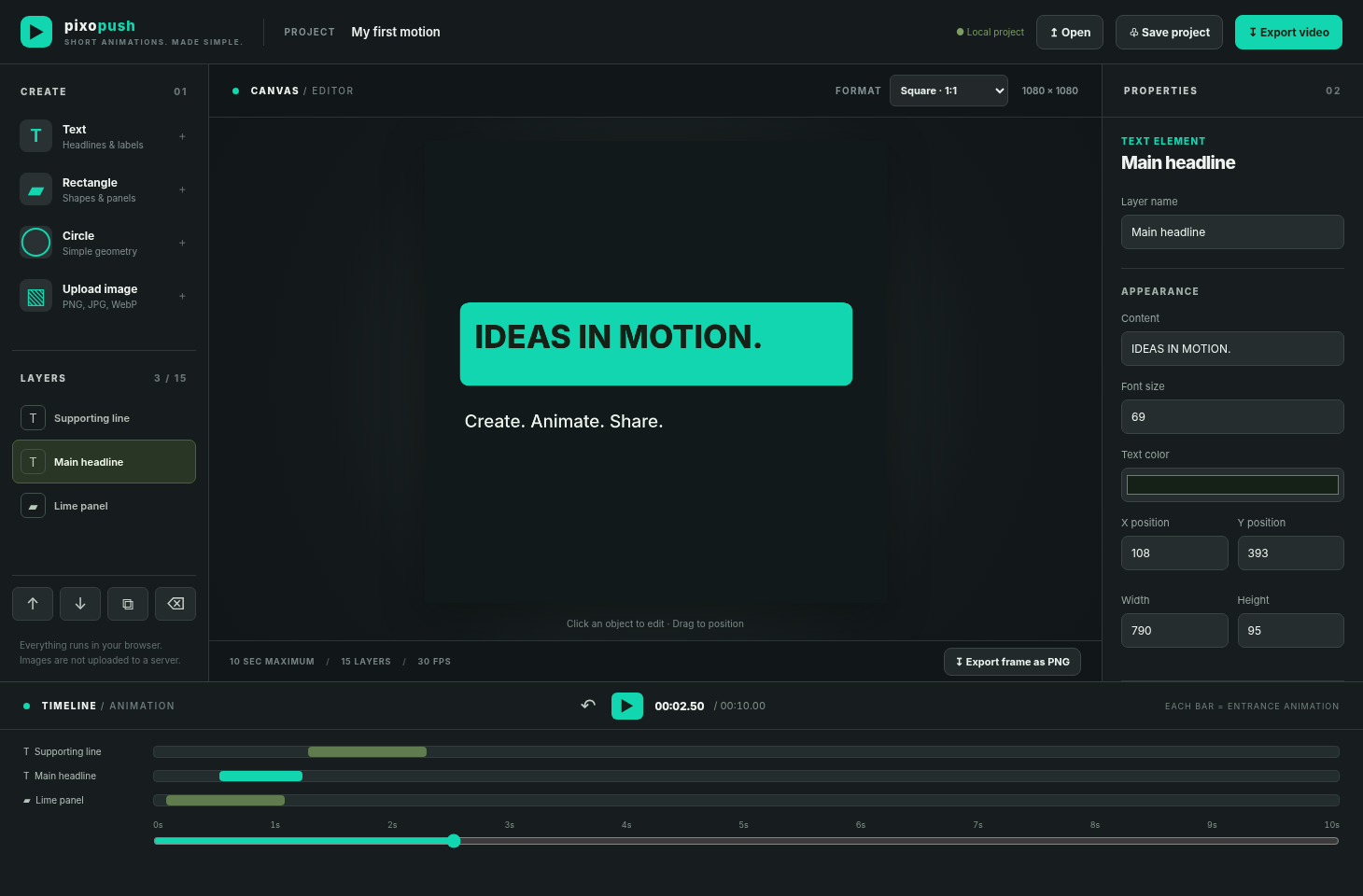
A focused set of features for the little animations that can make a big difference in your feed.
Add headlines, simple shapes and your own images. Arrange your scene right on the canvas.
Choose easy slide, fade, zoom and rotation presets. Control when each element appears.
Export an MP4 video (where supported), make an animated GIF, or save a single frame as a PNG.
Made for the formats you actually use. Social posts, stories, reels, quick announcements and lightweight motion graphics.
No need to open a complex video editor just to animate a headline or product visual.
Just open a browser and get creative.
Short animations. A small set of useful controls.
Bring in images, text and shapes to match your message.
Pick your canvas format and download video, GIF or PNG.
I wanted to make simple animations for social media without getting lost in layers of software I didn't need. So I built a little tool with AI to solve my own problem. Then I thought: why not share it? That's pixopush.
You don't need to be a motion designer. Here's the basic workflow to make your first animation.
Choose square (1:1), portrait feed (4:5), landscape (16:9) or vertical (9:16).
Insert text, shapes or uploaded images and position them on the canvas.
Select an animation and adjust its start time and duration.
Preview your animation, then export a video or animated GIF for your post.
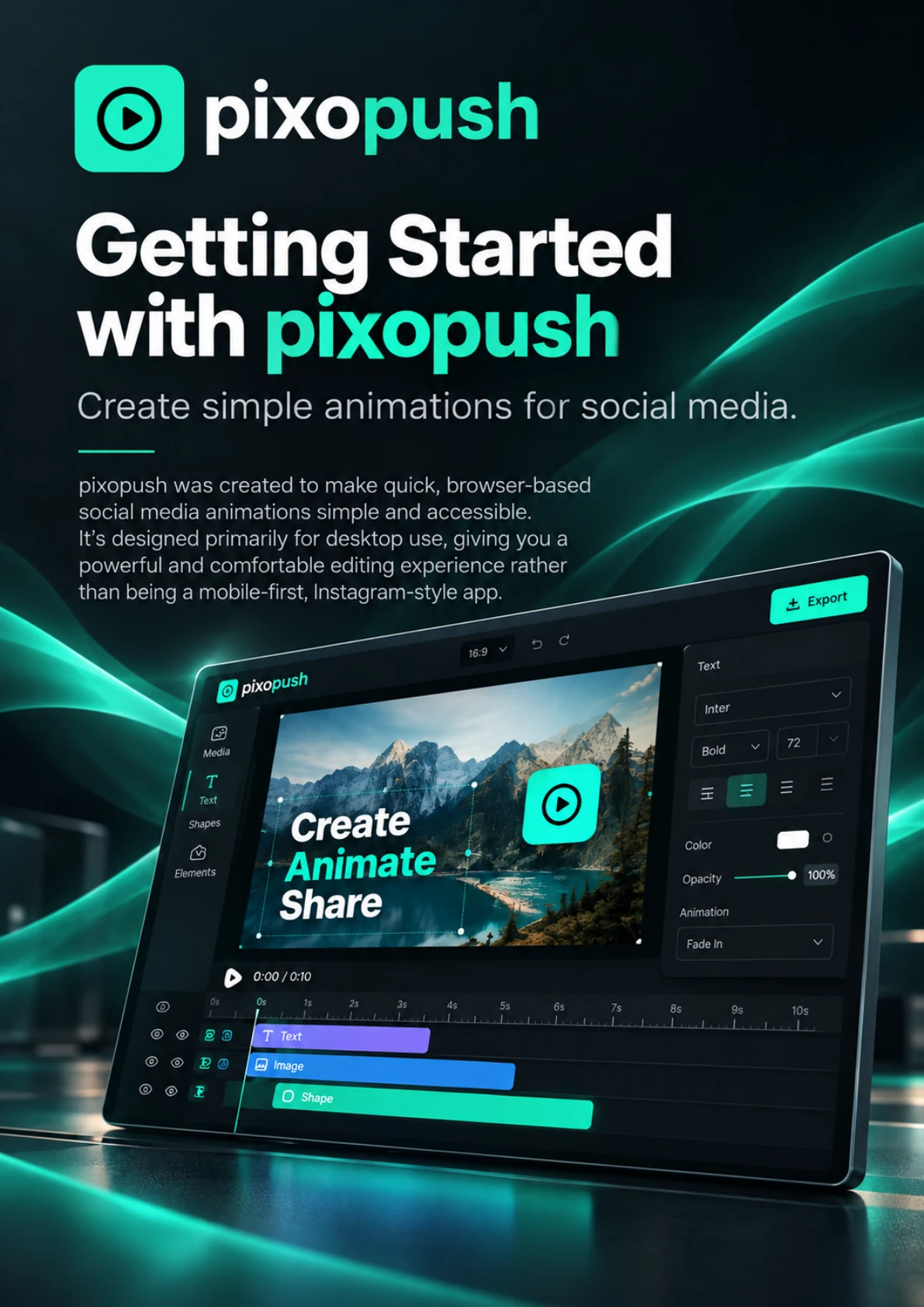 GETTING STARTED GUIDE · 12 PAGES
New to pixopush? This practical getting-started guide walks you through the canvas, layers, timing and motion effects — all the way to exporting your first MP4 or GIF. Clear explanations, helpful tips and a simple first-project exercise.
Download the free PDF12 pages · PDF · Free to downloadQuestions about the browser editor, video formats and getting started? Here are the essentials.
Yes. pixopush is currently available for free. It started as a small personal project by Maik Bodden, not a big commercial platform.
No. Everything runs in your browser. A modern desktop browser is recommended because the editor has a canvas, layers and a timeline.
Text, rectangles, circles and uploaded images with simple slide, fade, zoom and rotation effects.
Square (1:1), portrait feed (4:5), landscape (16:9) and vertical (9:16) — built around common social media placements.
Yes. pixopush offers animated GIF export and browser-based video export. MP4 is available when supported by your browser; otherwise, video may export as WebM. You can also export a PNG still frame. Check the downloaded format before uploading to a platform.
Yes. Save an editable project file and open it again. The editor also has local browser saving. Downloading a backup is recommended, especially if you clear browser data.
pixopush is intentionally lightweight. The current editor is designed for clips up to 10 seconds with up to 15 elements per scene.
The browser editor processes imported images locally rather than uploading them to a pixopush server. Keep important work backed up as a downloaded project file.
Create something small. Make it yours. Put it out there.